


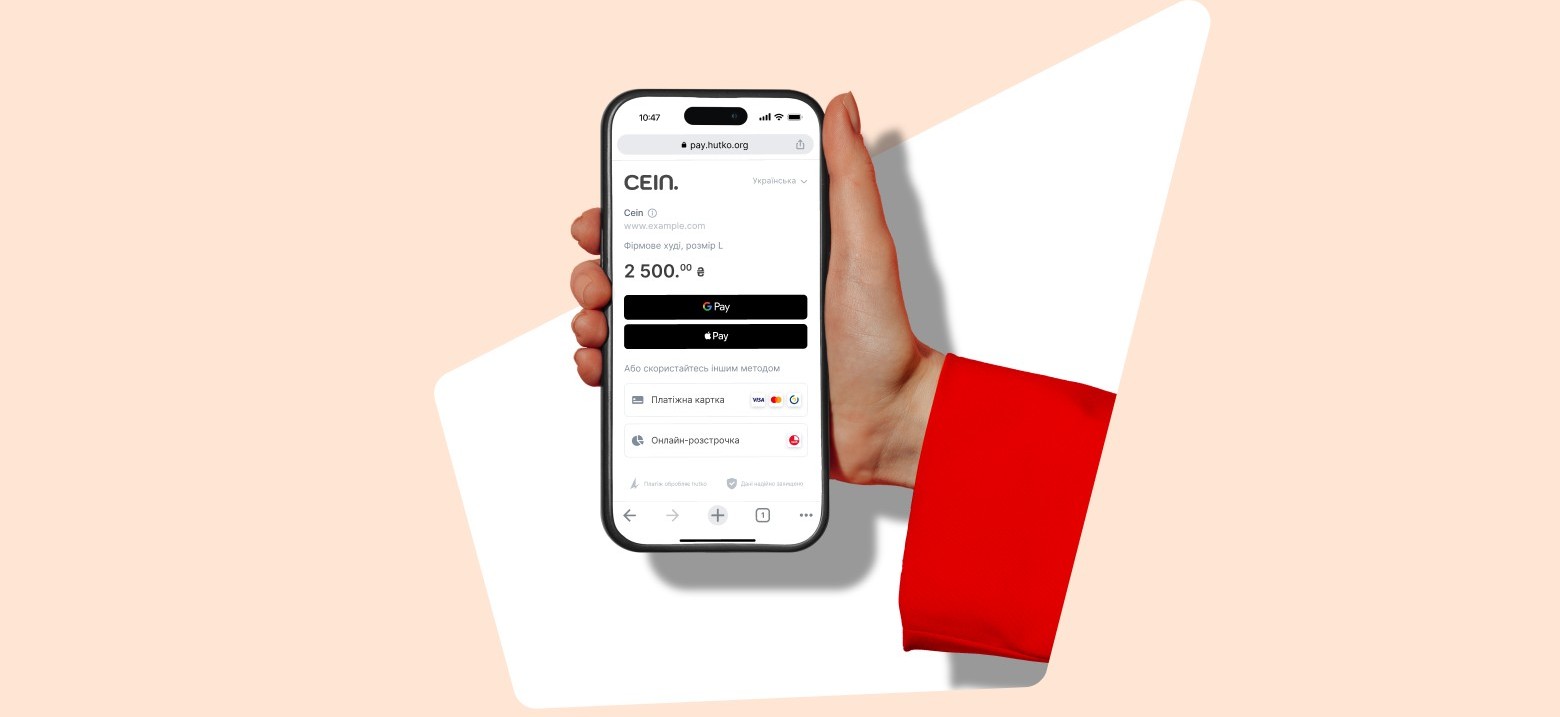
How to accept Hutko payments with Wizzylab
Hutko is a modern online acquiring service from PUMB (First Ukrainian International Bank) that allows you to accept online payments on your website, in social networks, messengers, or a mobile application. The system supports Apple Pay, Google Pay and also integrates with the Wizzylab platform. To connect Hutko online acquiring,…
How to connect Plata by Mono to Wizzylab
Plata by mono is an online acquiring service from Monobank that allows you to accept online payments from cards of any bank, including international ones. The system supports Apple Pay, Google Pay, and MonoPay, and integrates with the Wizzylab platform. To connect plata by mono online acquiring, follow these steps:…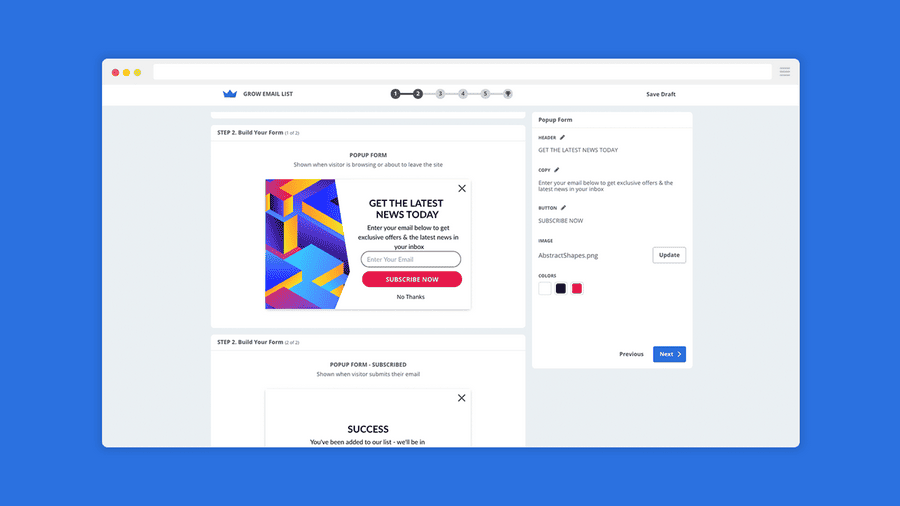
Creating a pop up window on the Wizzylab website
You can create pop-up windows and add a wide range of marketing widgets to your online school website using the BDOW service (formerly Sumo). How to install? First, you need to activate the service in the “Laboratory” section of your Wizzylab dashboard. The process of connecting BDOW to your Wizzylab…
How to connect Wizzylab contacts to MailChimp?
Mailchimp is a service for sending emails and creating marketing campaigns for your business. You can easily integrate Mailchimp with Wizzylab by connecting your Wizzylab contacts to Mailchimp. This way, any contact added from your Wizzylab website (for example, from the “Users” section), as well as new student registrations, will…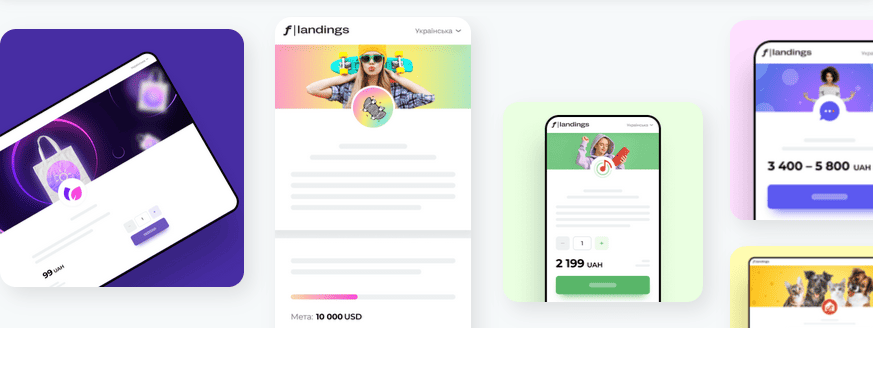
Connection of the Fondy payment system
Sorry, this entry is only available in Ukrainian and Russian.
Connection of Liqpay payment system
LiqPay is an online payment service provided by the Ukrainian bank PrivatBank. Only Ukrainian residents can be registered as LiqPay merchants; however, customers can pay for goods or services via LiqPay from anywhere in the world. Connect LiqPay to your website to accept payments from your customers quickly and securely….
How do I add a Google Tag Manager account ID to your Wizzylab site?
Note: This feature is not available to all users. It is only доступible for those who have activated the “Basic” plan or higher. Step 1: Get your Google Tag Manager account ID Log in to your Google Tag Manager account. Copy the code from your Google Tag Manager dashboard (you…
How to add social media buttons to Wizzylab
“Share on social media” buttons allow users to share a link to your website on social networks and improve website usability by enabling quick information sharing. Imagine a situation where a visitor is interested in an event described on your website. If no share button is available, the user has…
How to bind an existing domain / subdomain to Wizzylab
How to connect a custom domain or subdomain to Wizzylab Your Wizzylab account comes with a free subdomain that you can customize (for example, yoursite.wizzylab.com). If you want to use your own domain instead of a wizzylab.com subdomain (for example, www.yoursite.com or courses.yoursite.com), you’ll need to complete a few simple…