How to accept Hutko payments with Wizzylab
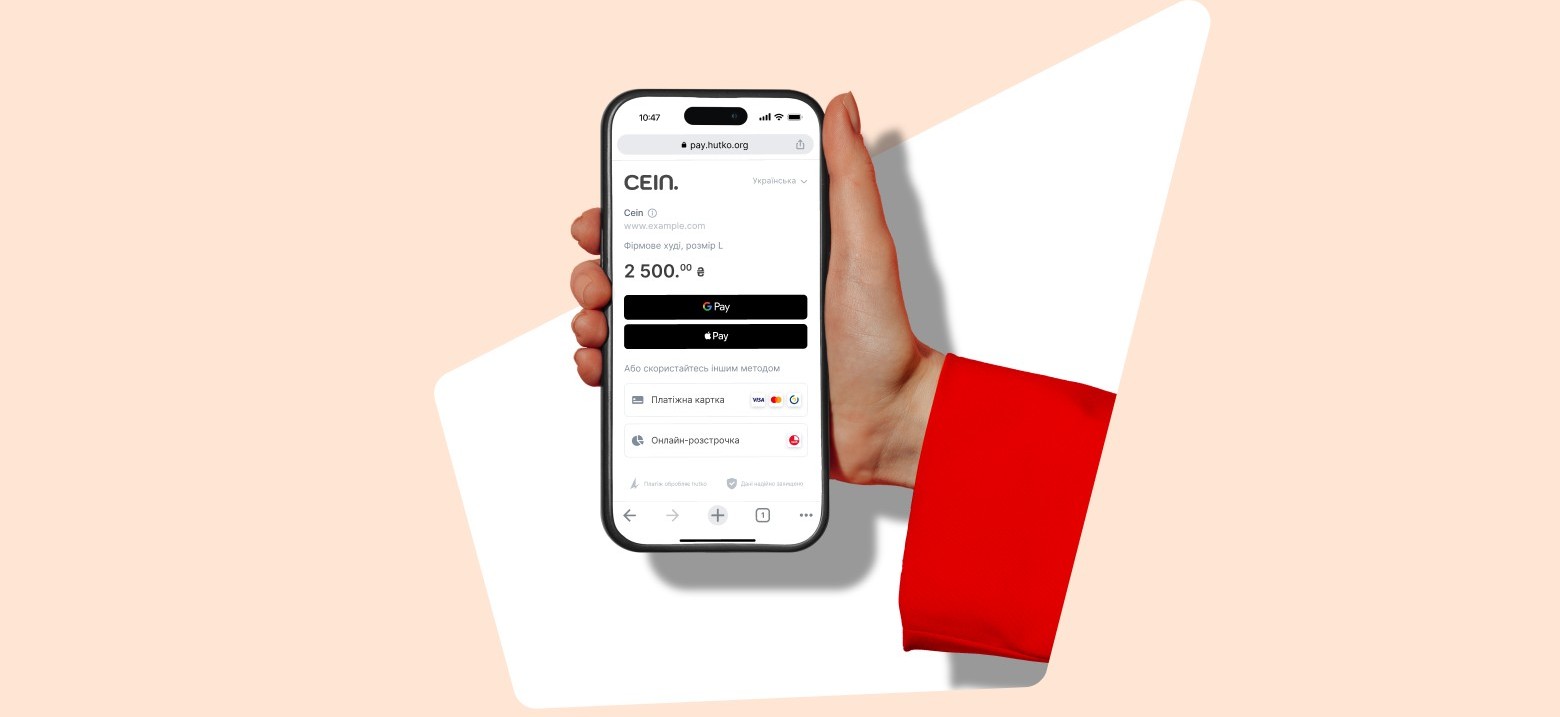
Hutko is a modern online acquiring service from PUMB (First Ukrainian International Bank) that allows you to accept online payments on your website, in social networks, messengers, or a mobile application. The system supports Apple Pay, Google Pay and also integrates with the Wizzylab platform. To connect Hutko online acquiring,…
How to connect Plata by Mono to Wizzylab
Plata by mono is an online acquiring service from Monobank that allows you to accept online payments from cards of any bank, including international ones. The system supports Apple Pay, Google Pay, and MonoPay, and integrates with the Wizzylab platform. To connect plata by mono online acquiring, follow these steps:…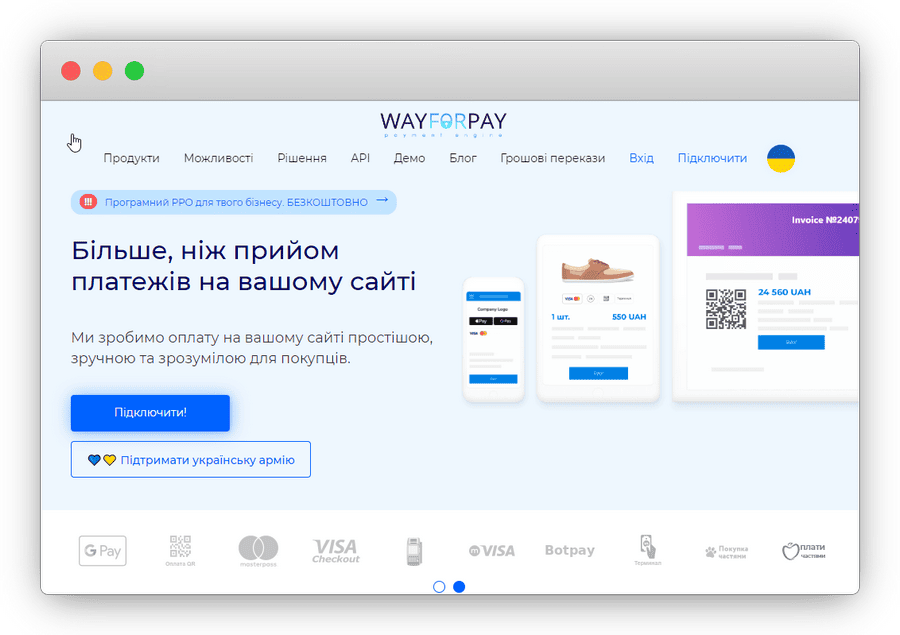
(UA) Підключення онлайн-оплати через WayForPay
Sorry, this entry is only available in Ukrainian and Russian.
How to Install the Facebook Messenger Widget
Facebook Messenger is an application and instant messaging platform by Meta. You can connect Messenger to your online school website to receive messages from new customers. What you need to install Facebook Messenger on your website: a Facebook business page Facebook chat widget code Google Tag Manager Wizzylab “Basic” subscription…
How to connect Google Analytics to the Wizzylab website
With Google Analytics, you can track information about visitors to your website. You can see data such as the number of page visitors, where they come from, how long they stay on the site, and which keywords they use to find your website. How do you get a Google Analytics…
How to create your own webinar
There are many tools available for hosting webinars — from simple Skype calls to paid services specifically designed for this purpose. However, the easiest way is to create a webinar broadcast on YouTube and then paste the webinar link into the Wizzylab dashboard on the “Events” page. In this guide,…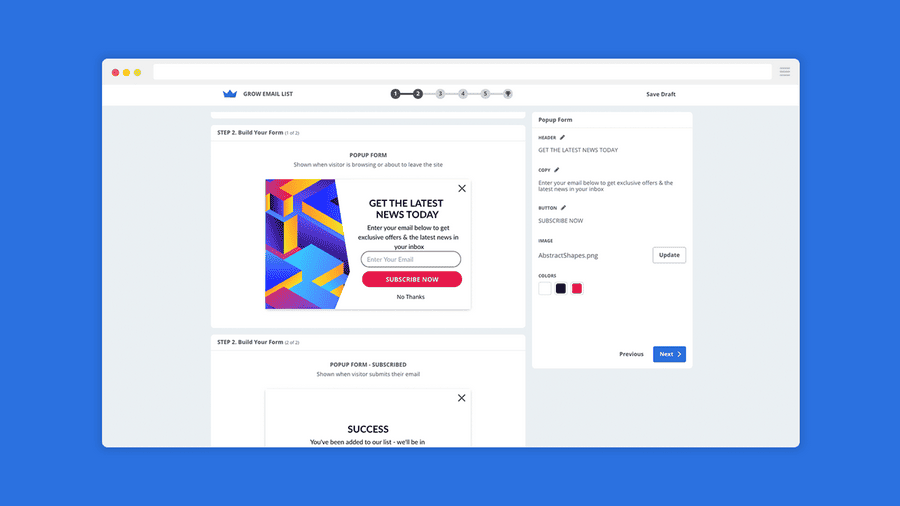
Creating a pop up window on the Wizzylab website
You can create pop-up windows and add a wide range of marketing widgets to your online school website using the BDOW service (formerly Sumo). How to install? First, you need to activate the service in the “Laboratory” section of your Wizzylab dashboard. The process of connecting BDOW to your Wizzylab…
How to connect Wizzylab contacts to MailChimp?
Mailchimp is a service for sending emails and creating marketing campaigns for your business. You can easily integrate Mailchimp with Wizzylab by connecting your Wizzylab contacts to Mailchimp. This way, any contact added from your Wizzylab website (for example, from the “Users” section), as well as new student registrations, will…
Connection of the Fondy payment system
Sorry, this entry is only available in Ukrainian and Russian.